how to create youtube channel

HOW TO CREATE YOUTUBE CHANNEL

         press here for my youtube channel:  rajesh jami

STEP 1: open browser.

STEP 2:open youtube

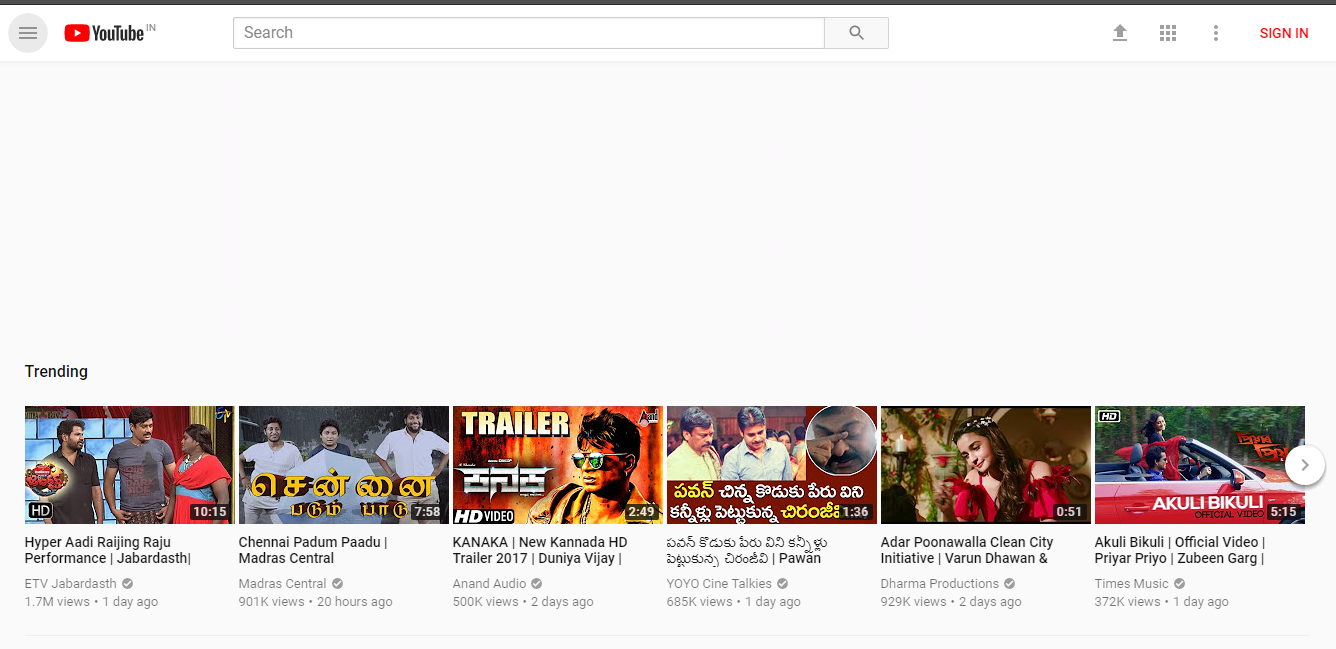
                 the page opens as follows

                 press on sign in 
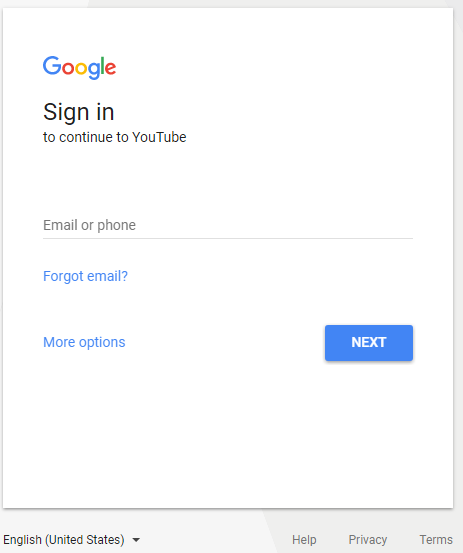
                 a new sign in window appears 

                           enter gmail
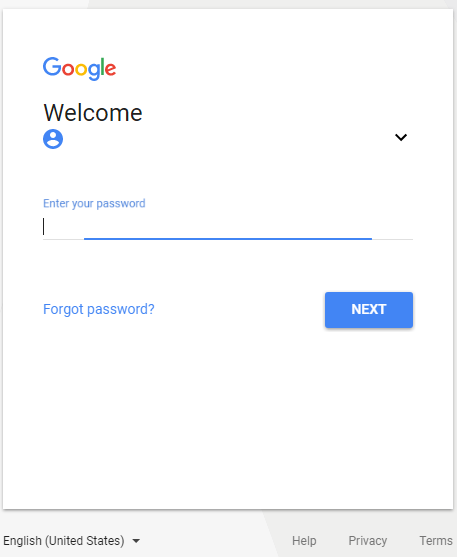
                              enter password
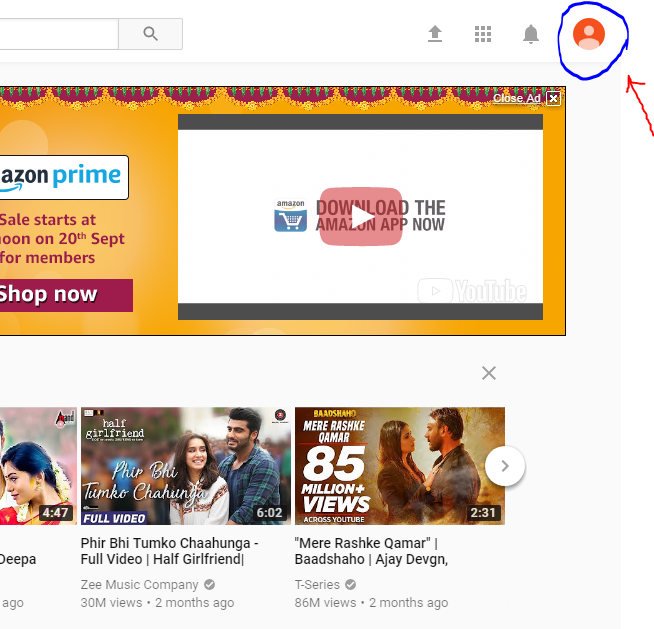
                      a new youtube page opens
                              

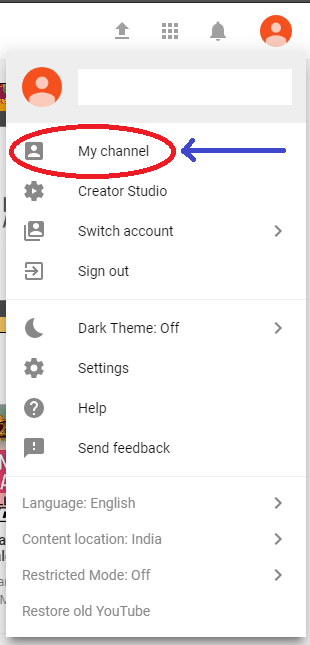
                      press on 


                         a submenu opens

                                              press on “MY CHANNEL”
                            a new small window appears

                                          enter “FIRST NAME”  and  “LAST NAME” of YOUTUBE CHANNEL  you want to create.
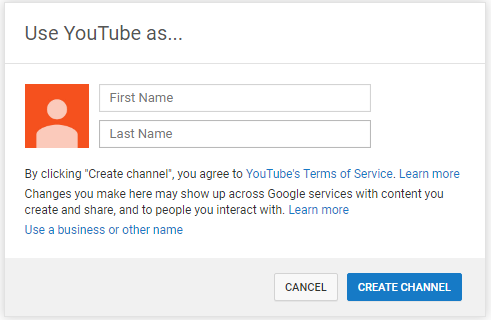
                             after you press create channel your channel is created.

                                 youtube window appears

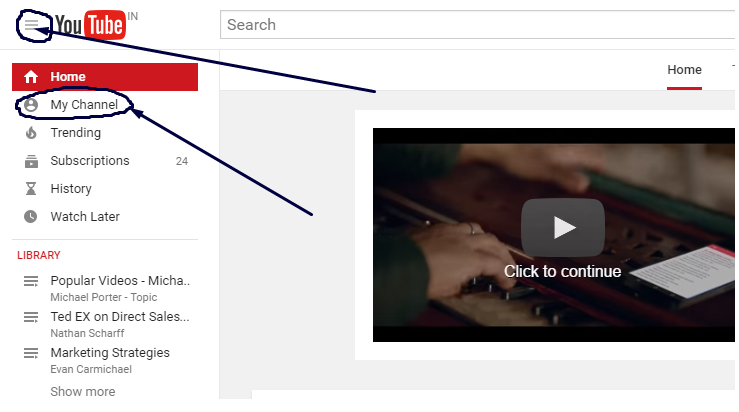
                           you can see youtube channel by pressing My Channel as follows


Leave a comment